Booked, nobody there
A room is booked for an hour and nobody comes. Everyone else sees it as taken.
Live occupancy books the room nobody reserved and releases the one nobody turned up to. The minutes arrive by themselves, for the meeting’s participants.
Room booking runs on what people promised, not on who is actually in the room.
A room is booked for an hour and nobody comes. Everyone else sees it as taken.
A quick chat takes a free room without booking it, and the next booking walks in on it.
Decisions stay in someone’s notebook, if anywhere, and the next steps are lost by Friday.
Lights, blinds, the screen and the booking each have their own switch or app.
Two cameras in each room see who is there. Tricsy keeps the calendar, the lights and the minutes in step with the room.
If nobody turns up within the grace time you set, the booking is released and the room goes back on the calendar.
Walk into a free room and within a minute the cameras book it for you. The booking runs while you stay, up to the next meeting. No app, no booking screen.
Rooms with a microphone record their meetings by themselves, unless the title says “(Private)”. Afterwards the transcript, a summary and the next steps are ready for the meeting’s participants.
When the panel by the door recognises you, the room gets ready: lights on, blinds down. It runs the shades and shows the air quality too.
Rooms with a microphone record their meetings by themselves, unless the title says “(Private)”. When it ends, the minutes are ready for its participants: what was said, what was decided and who does what next.
01Summary
02Decisions
03Next steps
Half an hour before the next meeting in a recorded series, a short brief arrives in Google Chat: what was decided last time and what is still open.
Last time
Still open
On Monday morning, everyone who turns it on gets the week ahead: upcoming meetings, open to-dos and the deadlines from their meetings.
Deadlines this week
Your to-dos
Fjord
09:42Free until 11:00
Next · 11:00 Team Daily Stand Up · 4 peopleIt books the room in a tap and shows its next meetings. It switches the lights on and off, moves the blinds and shades, calls for help and says when the room is recording. And its camera knows who is standing in front of it.
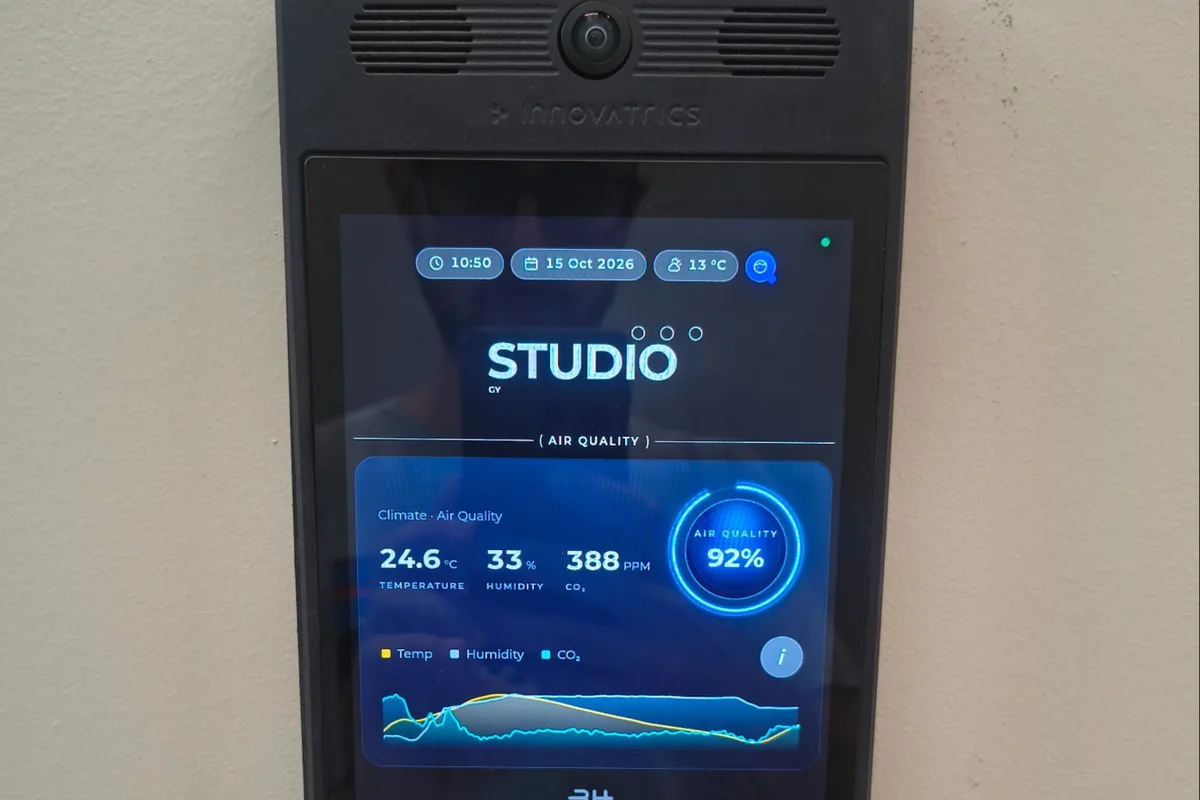
Cleaning is on the way
IT when the TV or the screen freezes, reception to the room, or cleaning when coffee is spilled on the table. The panel knows which room it is in.
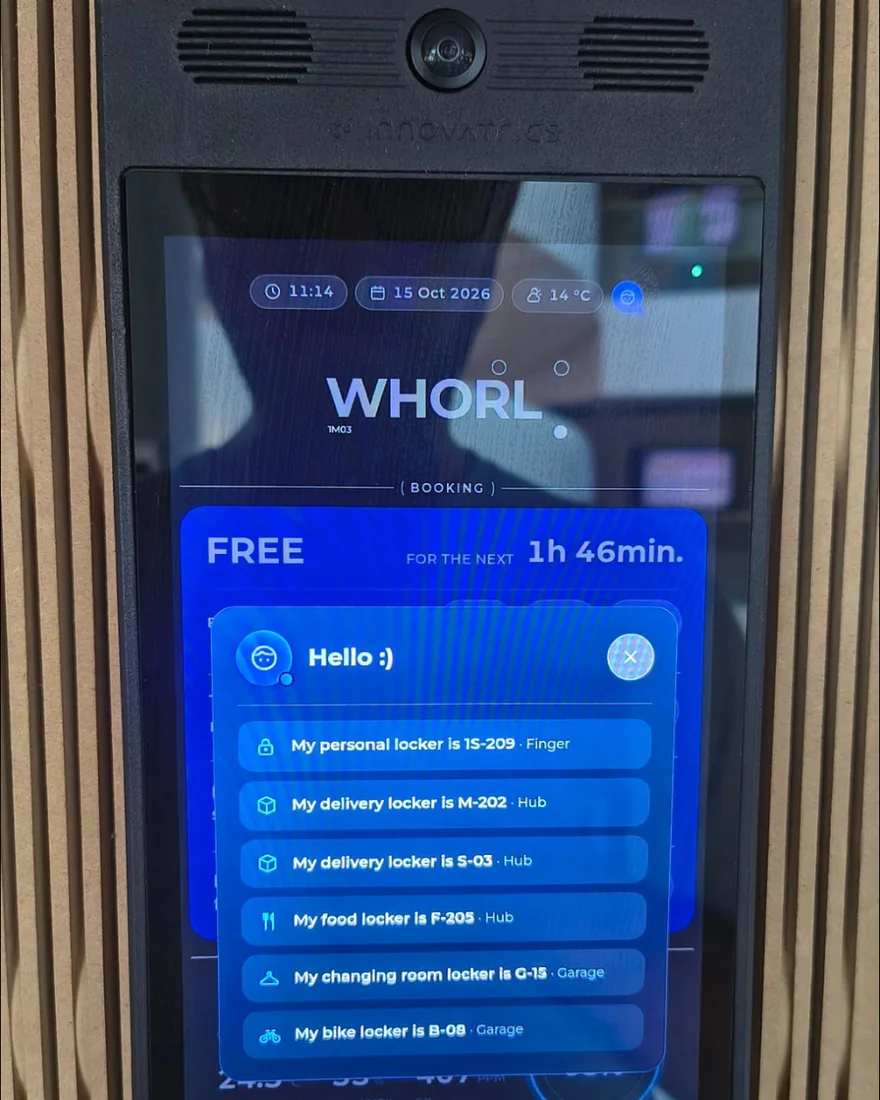
The camera in the panel recognises you and shows content for you. Today that is the list of lockers assigned to you.
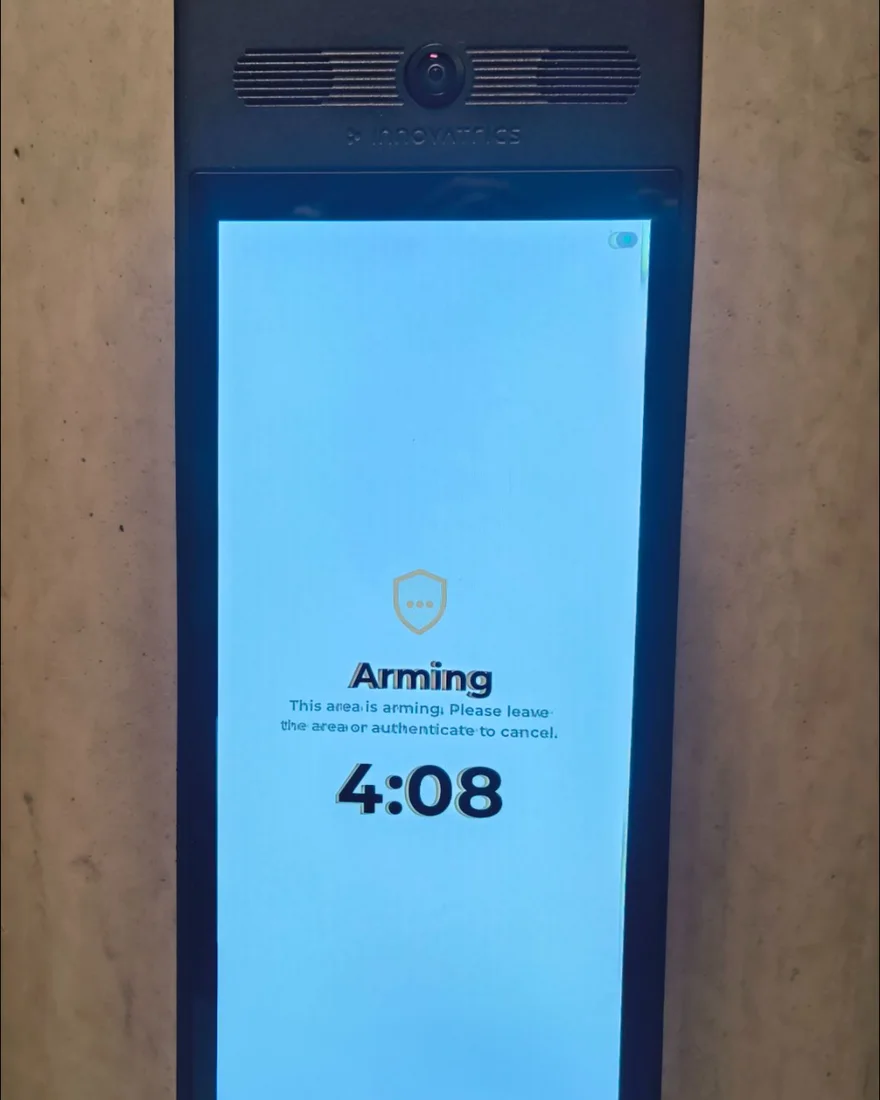
When the building is armed for the weekend, the panels show that arming is running, or that the alarm has to be switched off. The camera in the panel recognises your face and switches the alarm off.
Only rooms with a microphone record, and only while the room is booked. Rooms without one never do.
The panel shows when the room is recording.
One tap on the panel pauses it or mutes the microphone. End now ends the meeting and the recording.
Add “(Private)” to the meeting title and nothing is recorded.
Recordings and minutes go to the meeting’s participants.
Participants can share them with colleagues in Tricsy. Nobody outside your company can open them there.
The panel’s menu deletes the last five minutes or the whole recording.
They see who is in the room. A microphone records only in rooms set up for minutes.
Sends videoCounts and recognises the people in each room, on your own Linux server.
Sends who is thereBookings are created, released and extended in the calendar people already use.
Sends the meetingMinutes to the meeting’s participants, a brief before the next meeting in a series, and a Monday email.
Room devices. Lights, blinds and shades through Home Assistant, connected to the building’s own controls.
Faces stay on your server. Recognition runs on your own Linux server, not in a cloud.

Fjord, Vision, Bark and 23 more rooms and open areas on three floors of our headquarters book and release themselves. Visit us, or book a live remote demo.
Parking, lifts, lockers, meeting rooms and printers on one identity.
How smart office works 01 — Access controlFace, palm and QR at every door, on top of the access control you already run.
How access control works 02 — VisitorsInvitations, enrolment from home or at a kiosk, and access for the meeting’s time window.
How visitor onboarding worksBook a demo
A live walk-through at Biometrics House in Bratislava, or remotely.