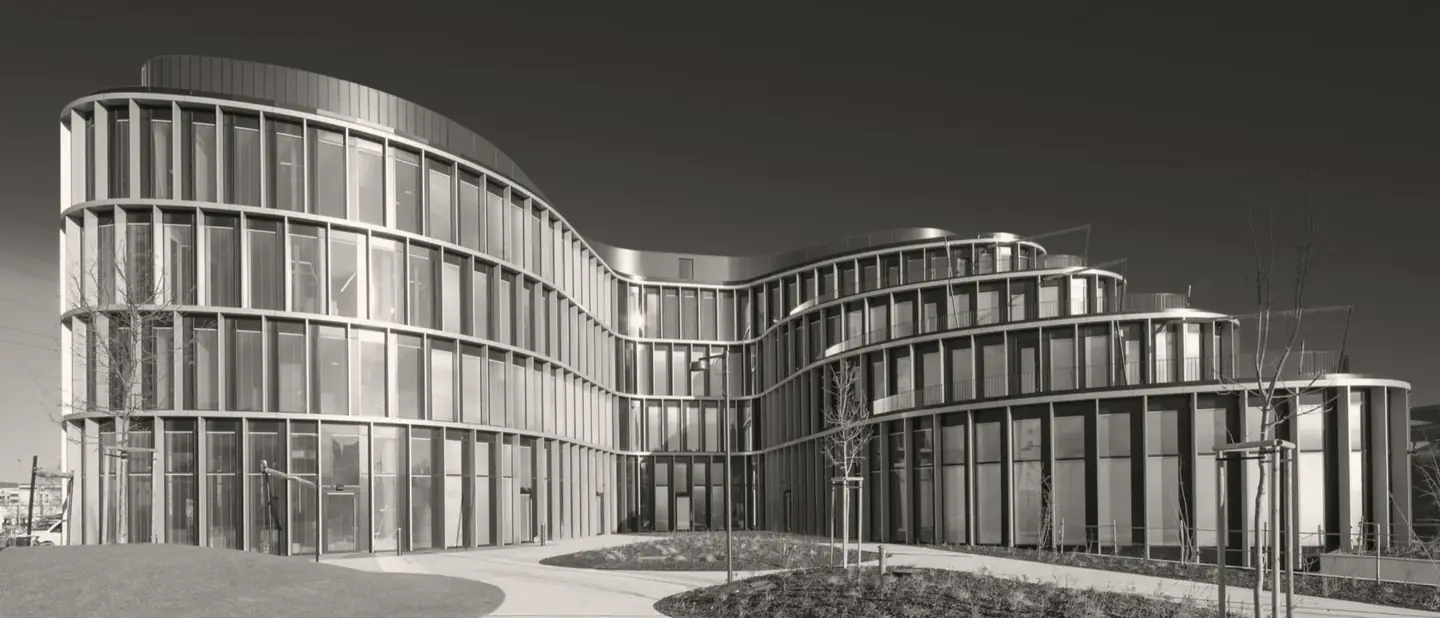
The barrier opens for you
The intercom at the gate reads the driver’s face or a QR code. Cyclists and riders show a palm and keep the helmet on.
- Reads
- Face, palm, QR
- Riders
- Palm, helmet on
- Works with
- VillaPro parking
One identity for parking, lifts, lockers, meeting rooms and printers. By face, palm or QR code, each system knows who is standing in front of it: the barrier lifts, the lift goes to your floor, and your locker and print jobs are waiting.
Most buildings add each amenity on its own, with its own card, key, PIN or app. Facilities keeps every list in step by hand.
| Touchpoint | Today | With Tricsy |
|---|---|---|
| Parking | A remote, a plate list or a card at the barrier | Face or palm at the barrier; riders keep the helmet on |
| Lifts | A badge on the reader, then the floor button | Recognised at the turnstile and sent to your floor |
| Lockers | Keys to issue, replace and chase | Your locker opens for your face or palm |
| Meeting rooms | No-shows block rooms; nobody books the quick chat | No-shows are released, ad-hoc meetings booked as you walk in |
| Printers | Look up the printer’s IP; pages wait in the tray for anyone | One queue; it prints only when you are at the printer |
Each touchpoint has a camera or a reader. The system behind it keeps its own rules; Tricsy tells it who is there.
The intercom at the gate reads the driver’s face or a QR code. Cyclists and riders show a palm and keep the helmet on.
Recognised at the turnstile, you are sent to your floor. No badge on the reader, no button to press.
Personal, shared, courier and bike lockers on one identity. A liveness check means a photo can’t open them.
A booking nobody turns up for goes back to the calendar. Walk into a free room and an ad-hoc meeting is booked; AI meeting notes go to the participants.
One print queue for the building, so there is no printer IP to look up. Nothing prints until you are at a printer, so nobody walking past reads your pages in the tray.
Send an invitation and the visitor enrols a day or two ahead, from the couch: a selfie, and an ID if you ask for one. On the day, the turnstile opens only for the meeting’s time window and tells the host they have arrived.
Reads a face, a palm or a QR code at the gate, the lift lobby, the locker bank, the room and the printer.
Sends videoLiveness check and matching on your own Linux server; no GPU required.
Sends the personParking, lifts, lockers, calendar and print management keep their own rules.
Sends the actionThe barrier lifts, the lift comes, the lock opens, the room checks in, the job prints.
Enrol once. On site or remotely. People and rights sync from HR or access control, and a leaver loses every touchpoint at once.
Opt in, or don’t. Face and palm are opt-in, and a dynamic QR code works at every touchpoint. Templates stay on your server.
Works with
Parking
Workplace app
Our headquarters runs on one identity: the doors, the garage gate, the lifts, 300 lockers, the meeting rooms, the printers and the cameras. Visit us, or book a live remote demo.
Four locker types, the courier flow and the screen facilities runs them from.
Read the lockers page 01 — Access controlDoors, turnstiles, parking gates and lifts, on top of the access control you already run.
How access control works 02 — VisitorsInvitations, enrolment from home or at a kiosk, and access only for the meeting’s time window.
How visitor onboarding worksBook a demo
A live walk-through at Biometrics House in Bratislava, or remotely.